
- 1Machine Type
- 2Brand
- 3Model
- 4Attachment
- 5Options
- 6Branding
- 7Checkout
Choose Your Machine
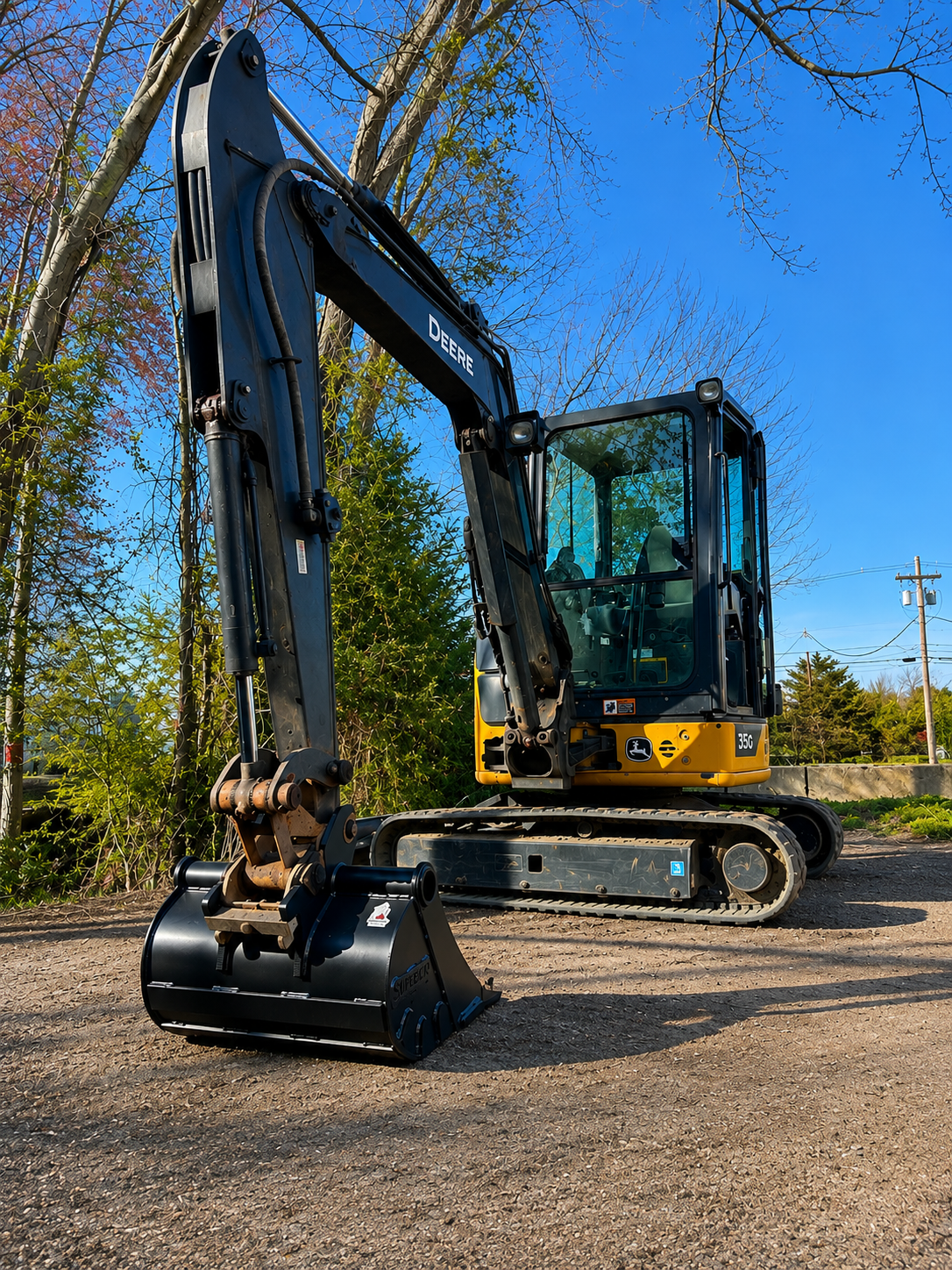
Excavator
Best for mini and compact excavators. Build digging buckets, cleanup buckets, skeleton buckets, rakes, and other attachments around your machine and mount.
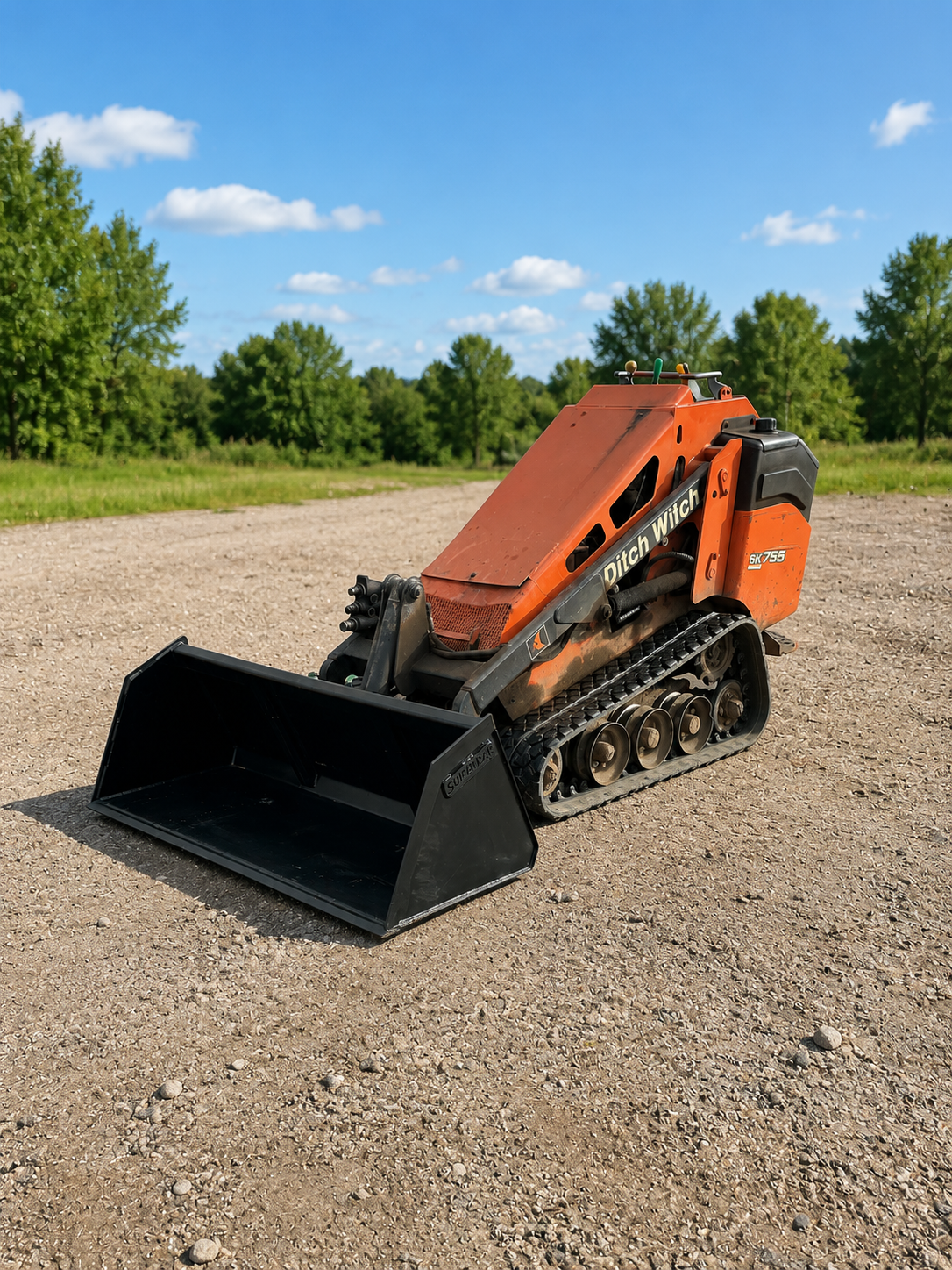
Mini Skid Steer
Run a stand-on mini skid or compact tool carrier? Build buckets, grapples, snow pushers, land planes, and tight-access attachments.
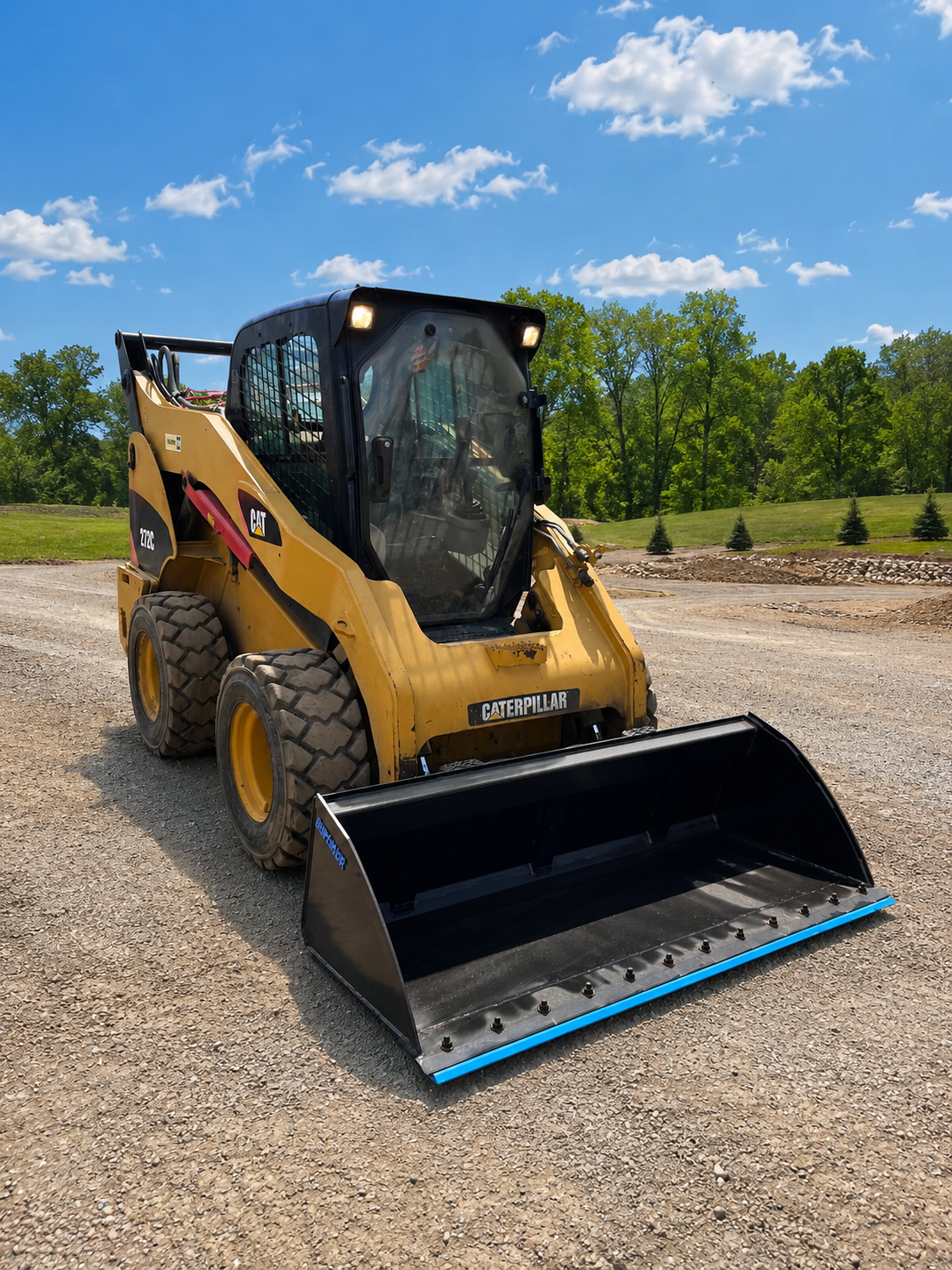
Skid Steer
Use this path for full-size skid steers. It will cover larger buckets and attachments once the skid steer builder is opened.
Tractor
This path is for tractors and compact loaders. It will be used for loader buckets, utility attachments, and custom tractor builds.
Custom Fitment
Not sure where your machine fits? Send the machine, mount, and attachment details, and we’ll review the best build path before production.
4.9 average · 15 reviews on Facebook Marketplace
The land plane from Tyler is an absolutely amazing attachment for your mini skid! Bought a mini skid and a land plane and could not be happier dealing with Tyler. Very well built, at a very good price.
Verified buyer
Product as quoted, a pleasure to deal with. Prompt response, high-quality implement. I highly recommend.
Verified buyer
Nice quality bucket. Tyler’s a nice guy, with prices you can’t beat. Will definitely be buying more — thanks!
Verified buyer
Great communication and great product! Thanks!
Verified buyer
Great seller. Highly recommended!
Verified buyer
Amazing.
Verified buyer
See Our Work
BUILT TO FIT
WHY BUILD-A-BUCKET™
Buying attachments usually means two bad choices: a stock bucket that doesn’t match your work, or a slow custom quote with endless back-and-forth. Build-A-Bucket™ skips both — build exactly what you need and order it online.
Built around your machine
— we start with your machine and OEM-style geometry, not a generic attachment forced onto a mount that almost fits.
Made for real work
— reinforced builds and Hardox® wear plate where it counts. Built to work hard, not just look good online.
Designed by someone who’s run the equipment
— shaped by real time in the seat, not drawings on a screen.
Built your way
— pick the size, edge, teeth, paint, and branding for the job, done before it leaves our shop.
HOW IT WORKS
Find your machine
— search your make & model, or pick your machine type.
Pick your attachment
— bucket, skeleton, rake, grapple, and more.
Customize the details
— width, edge, teeth, paint, branding.
Review and order online
— confirm your build and check out.
Most custom builds ship in about 2 weeks.
MAKE IT YOURS
Add your company name, logo, or fleet number before your attachment leaves the shop — so it shows up clean and unmistakably yours on the jobsite.
Logo
Fleet Number
Custom Text
Ready to Use the Custom Bucket Builder?
Choose your machine type, select your brand and model, customize the attachment, add branding, and review your build online.